

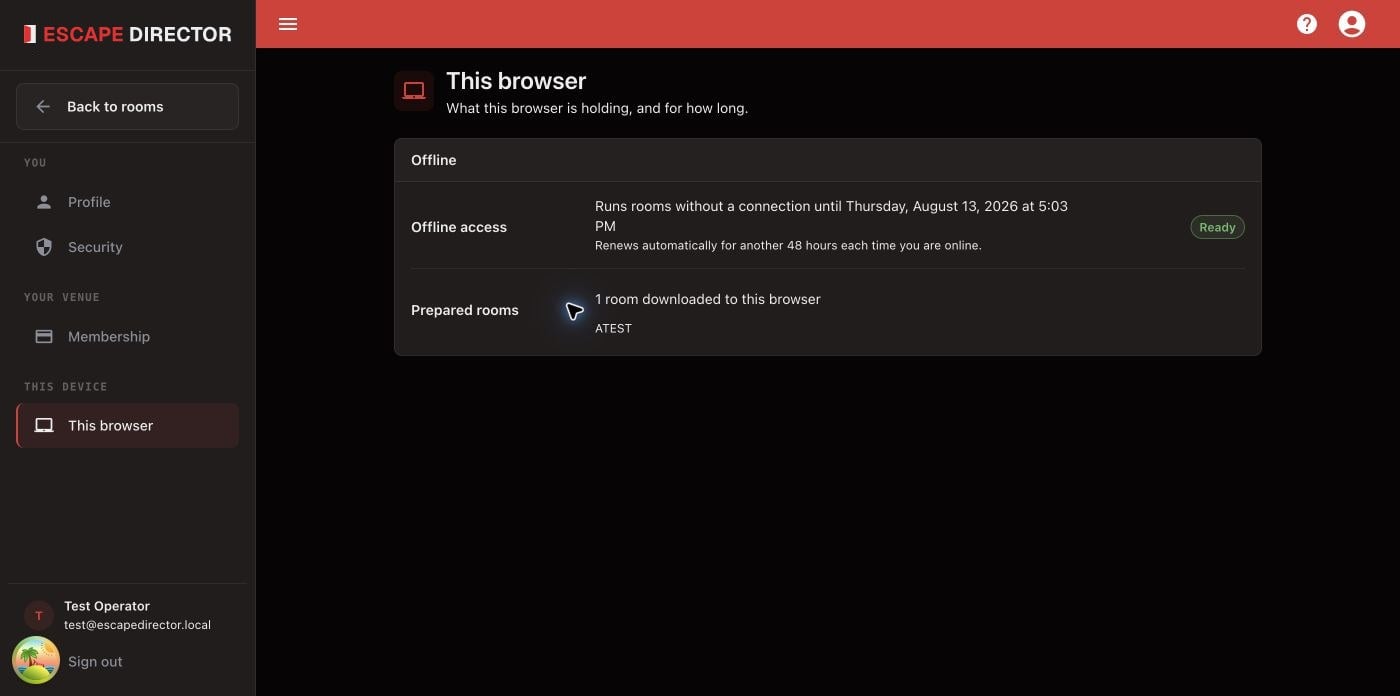
This browser reports its own offline access and prepared Rooms; another browser can have different readiness.
Update your profile
In Profile, update the account name, business name, or phone number, then select Save. Clear an optional field to remove it. To change your email address, contact support.Review membership and billing
Membership shows your status, plan, and current period or cancellation date. Select Manage billing to change your plan, cancel, or change how you pay in Stripe. If a payment is needed, use Update card. Media storage shows how much of your 25 GB your Rooms and Leaderboards use; see Storage limits.Change your password
In Security, enter your current password and the new one twice, then select Change password. If you’ve forgotten the current one, use Forgot password? on the sign-in page. Accounts that sign in only with Google or another linked provider have no password here.Changing the password signs out every other browser and tablet immediately, including a Room Station signed in as you. Change it between games, not during one.
Delete your account
Deleting your account removes it and everything in it for good. Only do this when you are sure: no one can bring it back.- Open Security and select Delete account.
- Read the list of what will be deleted: your Rooms with their Puzzles, Clues and Automations, game records and Analytics, Locations, Game Master profiles, Leaderboards, and the number of media files (videos, sounds and images).
- Enter your password. If you sign in with Google, select Sign in with Google first; you come back to the same dialog.
- Type
DELETEand select Delete account.
Your membership ends right away and you are not charged again. The rest of the current billing period is not refunded. Every computer signed in to the account is signed out, including Room Stations, so delete the account when no games are running.