> For the complete documentation index, see [llms.txt](https://docs.escapedirector.com/llms.txt). Markdown versions of documentation pages are available by appending `.md` to page URLs; this page is available as [Markdown](https://docs.escapedirector.com/review-and-improve/use-analytics.md).
# Use Analytics
Use evidence-backed dashboards, comparisons, and Ask Analytics to understand completed Room Sessions.
Use Analytics to find patterns across completed, non-excluded Room Sessions.
## Open a dashboard
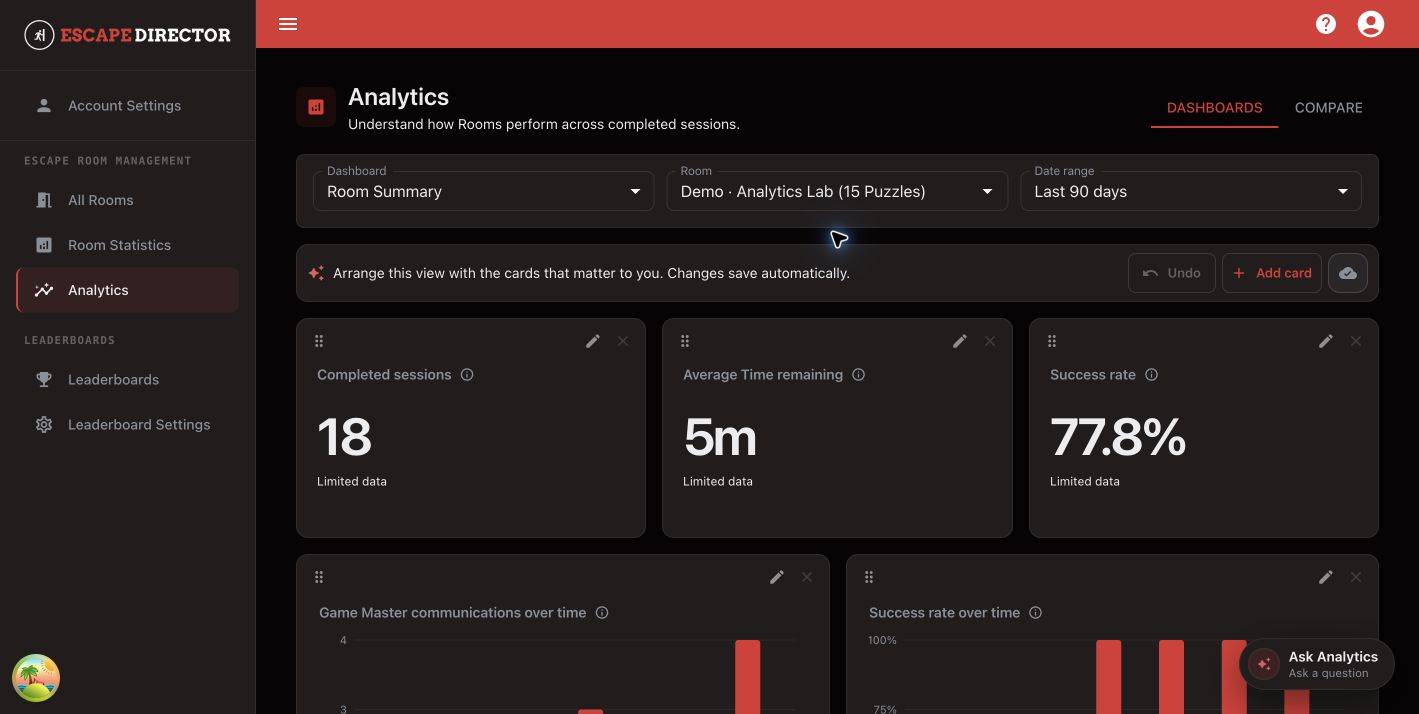
1. Select **Analytics**.
2. Choose a dashboard.
3. Choose the Room and date range.
4. Read each card's value, sample note, coverage, and calculation details together.
Dashboard cards use the selected Room and date range.
`Limited data` means the result is available but should be read with its sample or coverage limitations. It does not mean that zero was observed.
## Arrange the dashboard
* Select **Add card** to choose a supported metric and presentation.
* Use a card's edit action to change supported options.
* Move or resize cards to emphasize the questions your team reviews most often.
* Wait for **Saved** after a layout change.
Analytics accepts supported Metric Definitions and parameters; it does not accept arbitrary formulas or SQL.
## Compare performance
Open **Compare** when you need an explicit Room or Game Master comparison. Keep the sample size and data coverage beside the observed values, and do not treat a difference as proof that one person or Room caused it.
## Ask Analytics
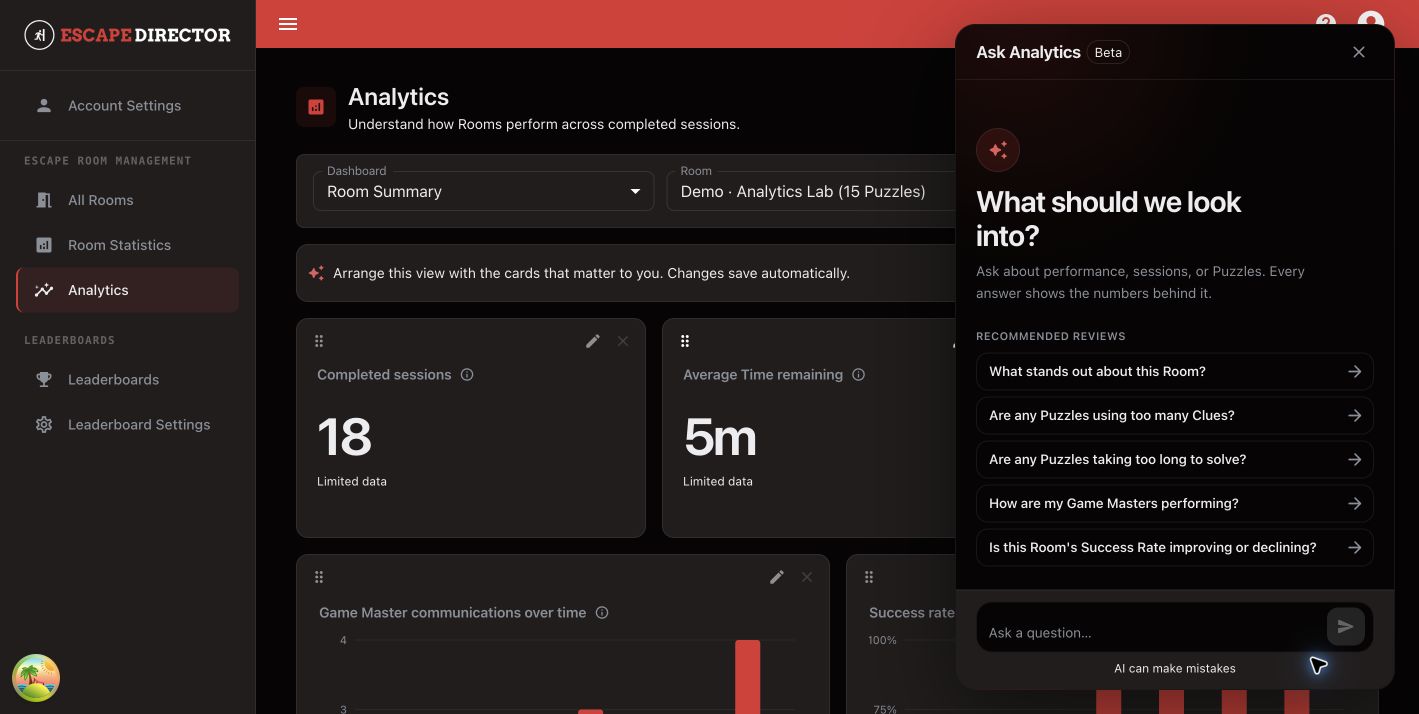
Select **Ask Analytics** to explore performance in plain language. Start with a recommended review or ask your own question about the selected Room.
Ask Analytics stays beside the selected dashboard so the Room, date range, and supporting numbers remain visible.
The assistant uses approved, read-only metric queries and shows the numbers behind each answer. Review the selected Room, date range, evidence, and limitations before acting on the result. A proposed dashboard card is not saved until you explicitly apply it.
## You're ready when...
You can state what the selected metric shows, which Room Sessions it covers, and what limitation would change the conclusion.
## Next
[Manage Leaderboards](/review-and-improve/manage-leaderboards.md)